 Mac app · Coming soon to the Mac App Store
Free. And remarkably rich.
Private screenshots and screen recordings for Mac. Capture the good stuff, let on-device intelligence help redact sensitive details, search the text in your history, and copy tables with their structure intact.

The tour
Thirty seconds.
Every frame is a real snapshot of the app — nothing here is mocked up or generated. Silent, so play it anywhere.
Capture. Redact. Search. Copy.
Four jobs. One app in your menu bar.
Catch the good stuff.
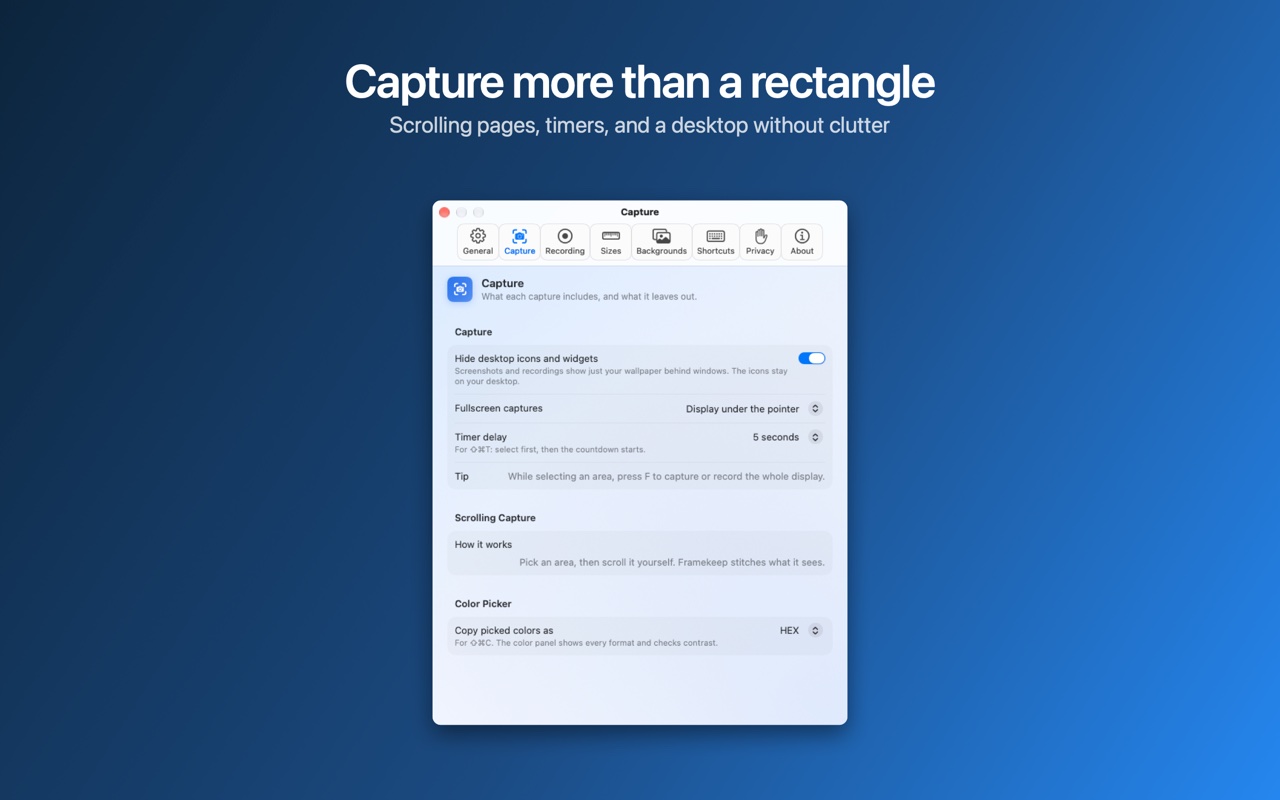
Area, window or full screen, with a frozen screen so nothing moves while you select. An all-in-one mode, a self-timer for menus and hover states, pixel-exact sizes, and one shortcut to repeat your last area.
Less oversharing. More sharing.
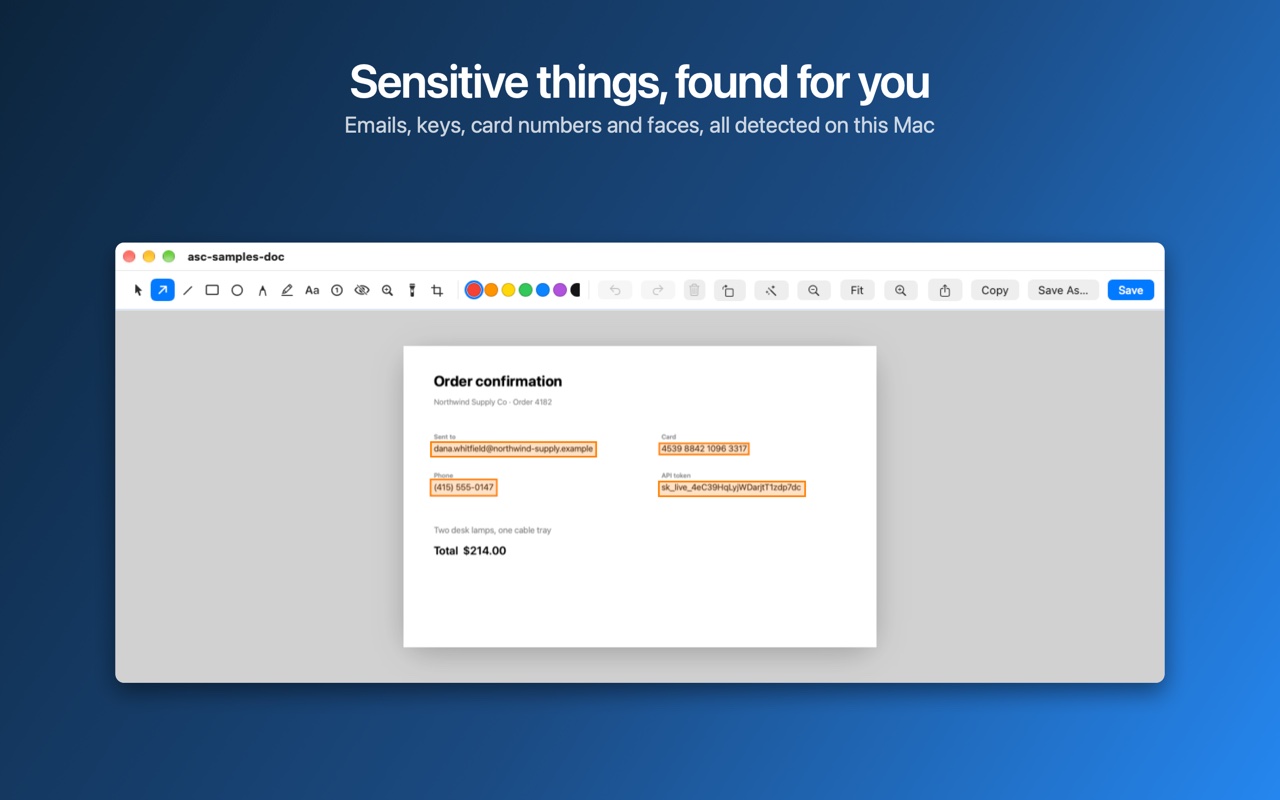
Framekeep spots email addresses, phone numbers, card numbers, API keys and tokens, IP addresses and faces, and offers to cover them in one click. Before you share or copy, it checks again, so you can review automatic redactions first.
You saw it. Now find it.
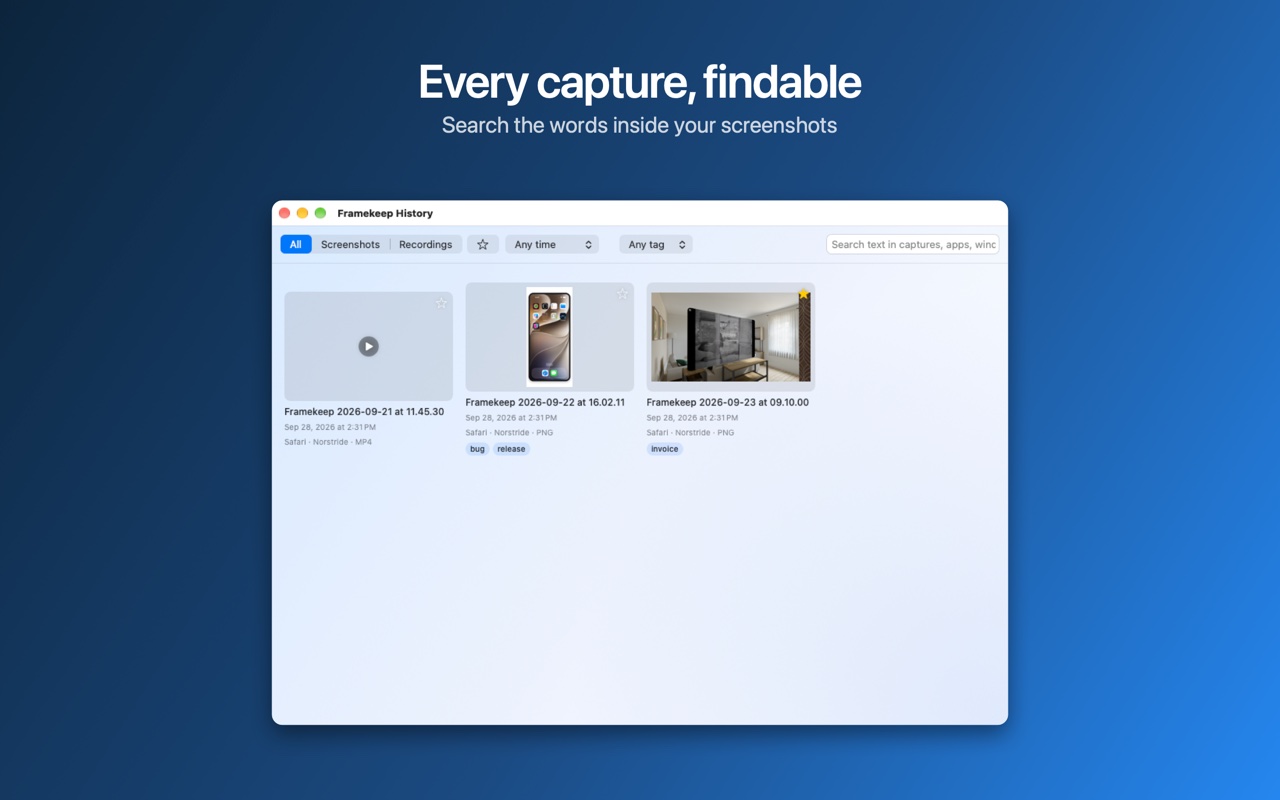
Framekeep reads the text in every capture and keeps a private index on your Mac. Type a few words from an error message, a receipt or a slide, and the right screenshot appears with the match highlighted.
Copy it. Keep its shape.
Copy text from anything on screen, even images and videos. Paste a table as Markdown or CSV with its rows and columns intact, copy code with every indent, and scan QR codes and barcodes.
A look inside
What it looks like.
The real app on a real Mac, shot in the free edition. Drag or swipe to see the rest.
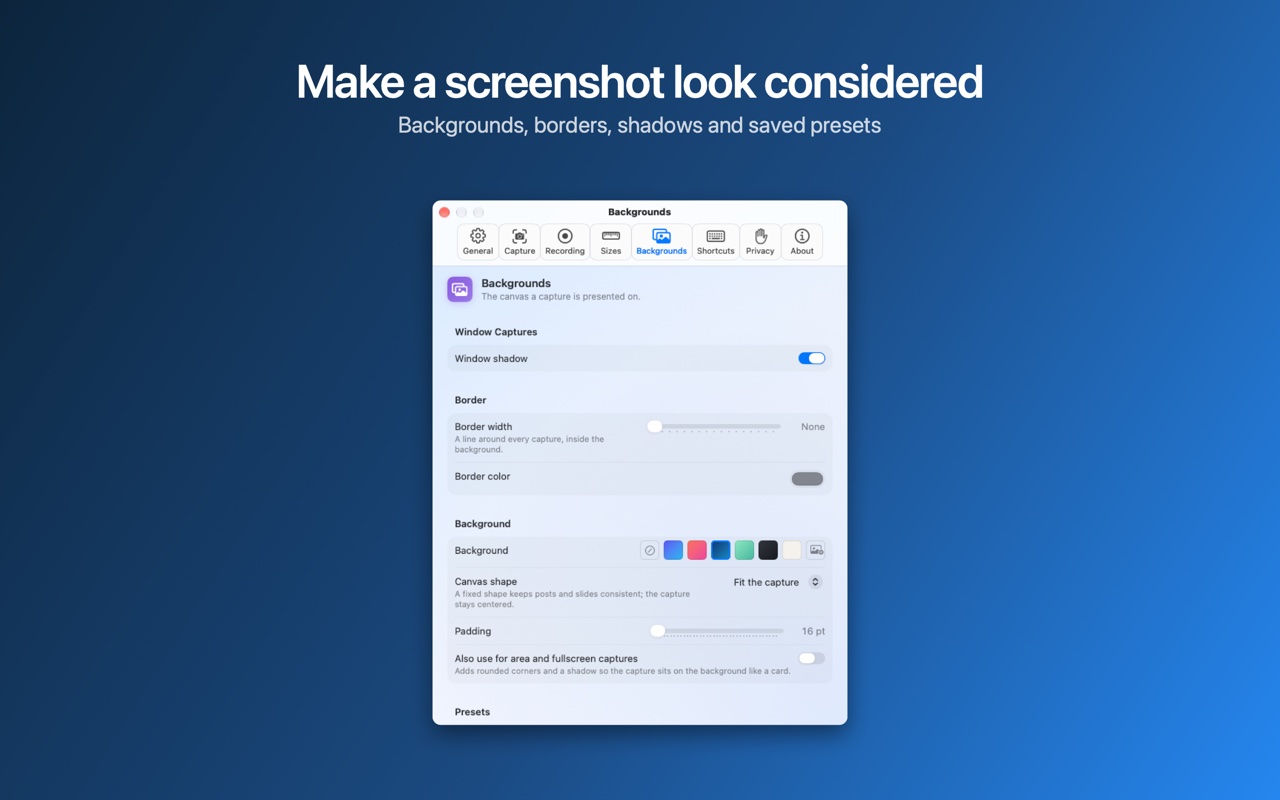
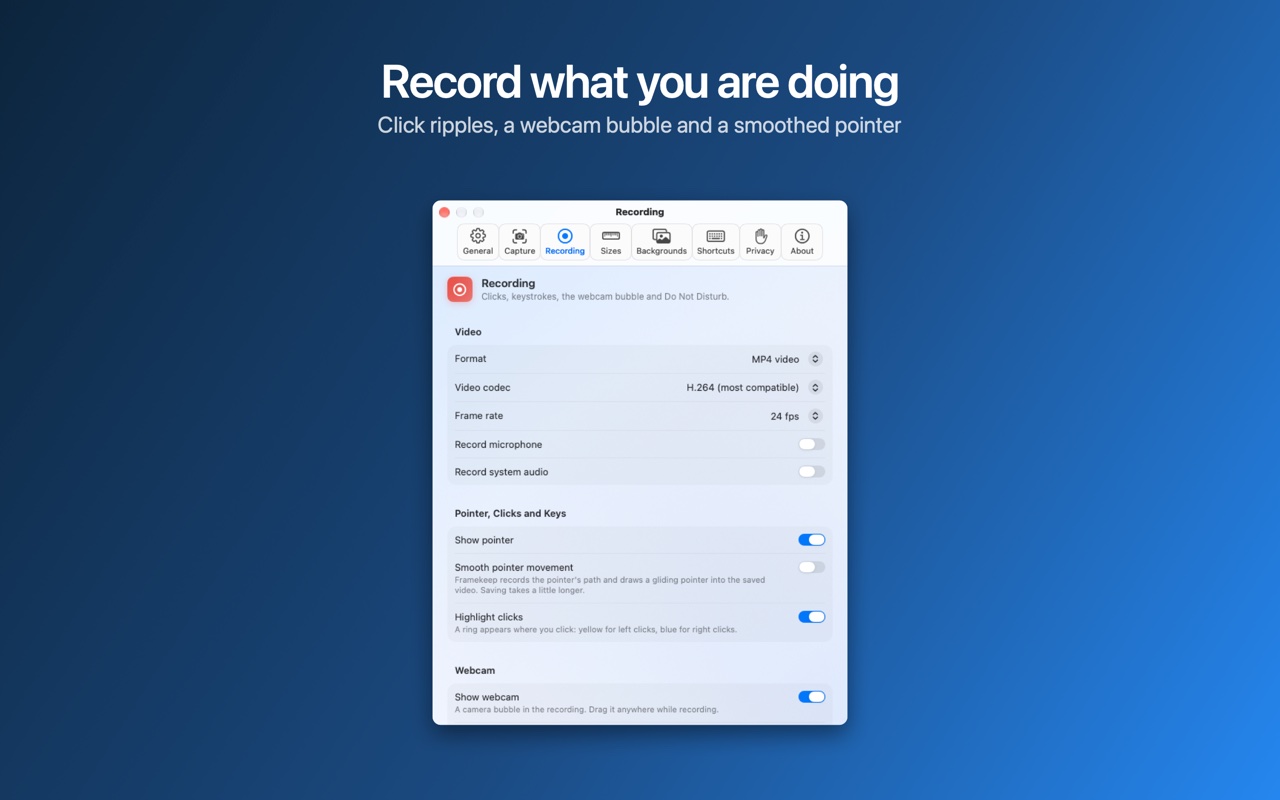
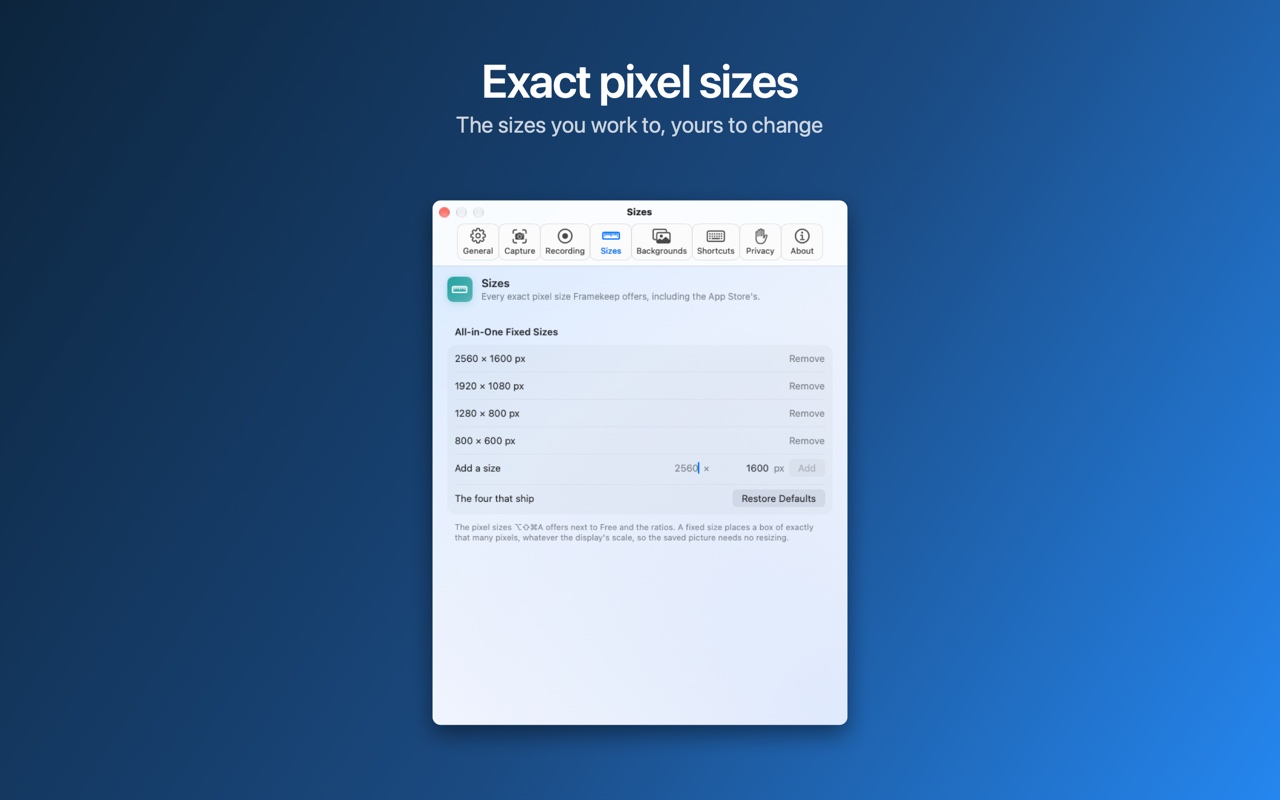
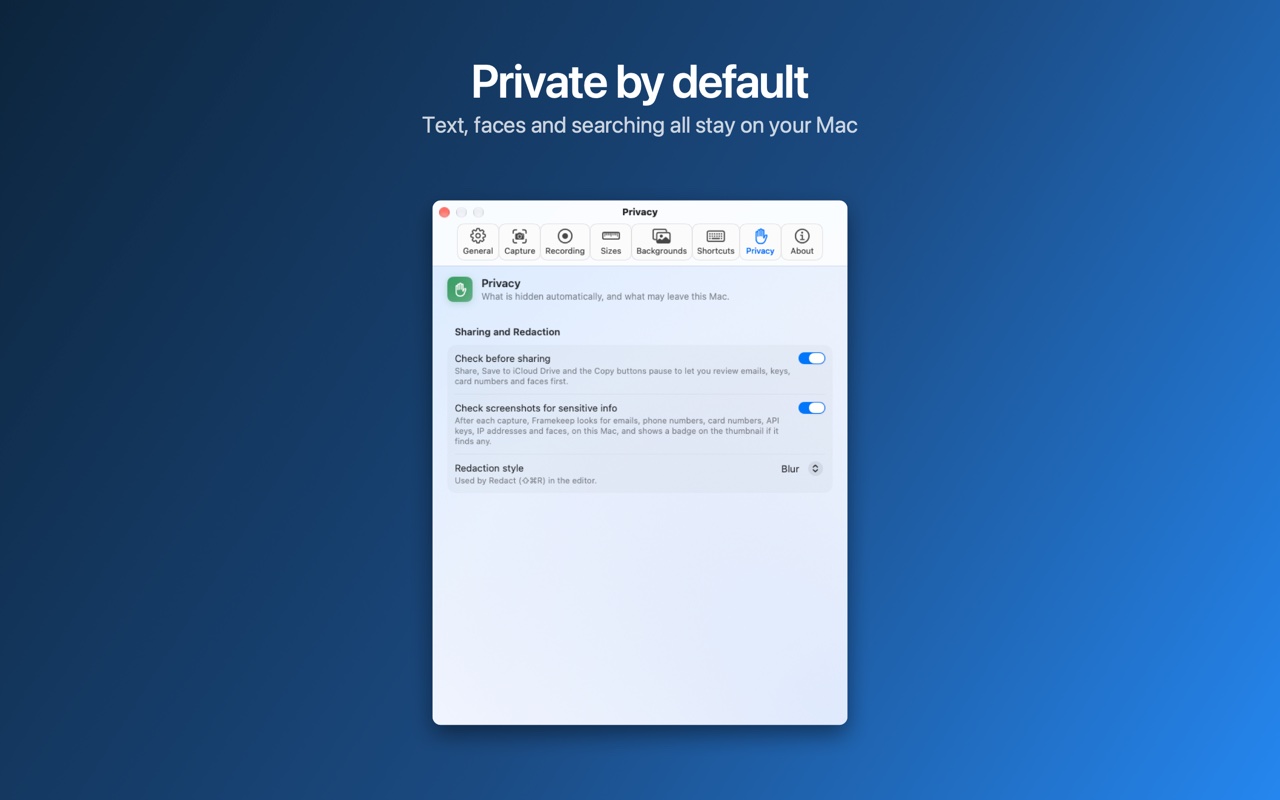
Private by design.
Every bit of intelligence in Framekeep runs on your Mac. Text recognition, sensitive-info detection and search all happen on device. No account. No cloud. Nothing leaves your Mac unless you share it.
- On-device intelligence
- No account or sign-in
- Captures stay in the folder you choose
- Review automatic redactions before sharing
And plenty more.
Screen recording, polished.
Record an area, a window or your whole screen as video or GIF, with your microphone and system audio. Show your clicks, add a webcam bubble, trim frame by frame, and export with automatic zoom toward each click.
Markup that looks professional.
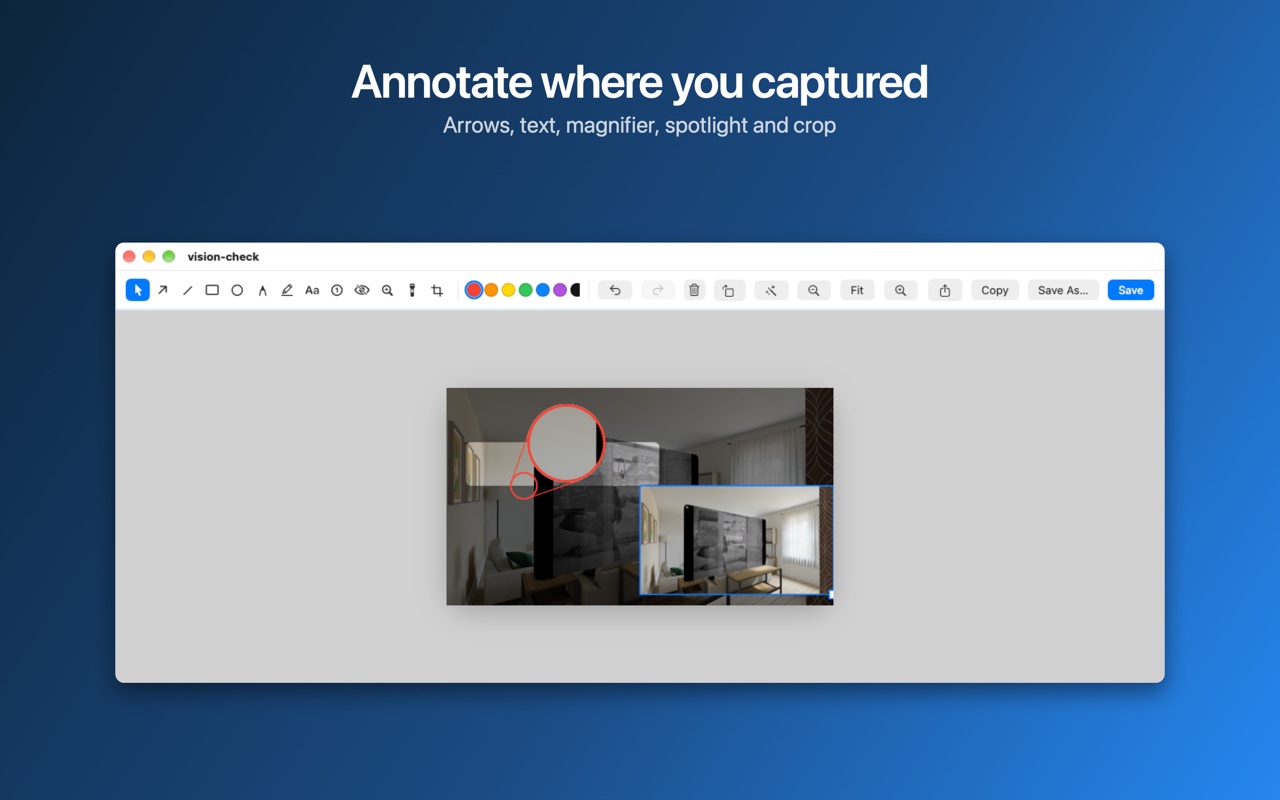
Arrows, shapes, text styles, highlighter, numbered steps, blur and pixelate. A magnifier for the smallest detail and a spotlight that dims everything but what matters.
Tools for designers and developers.
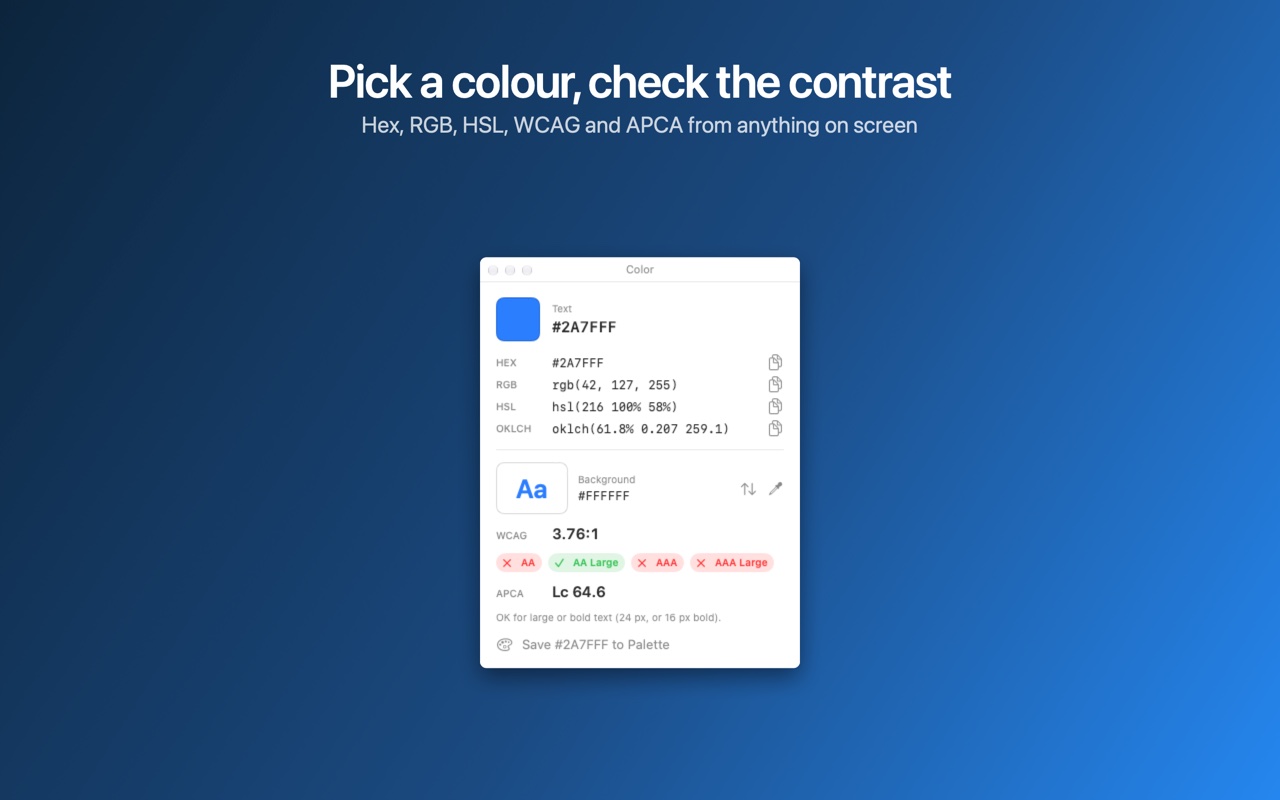
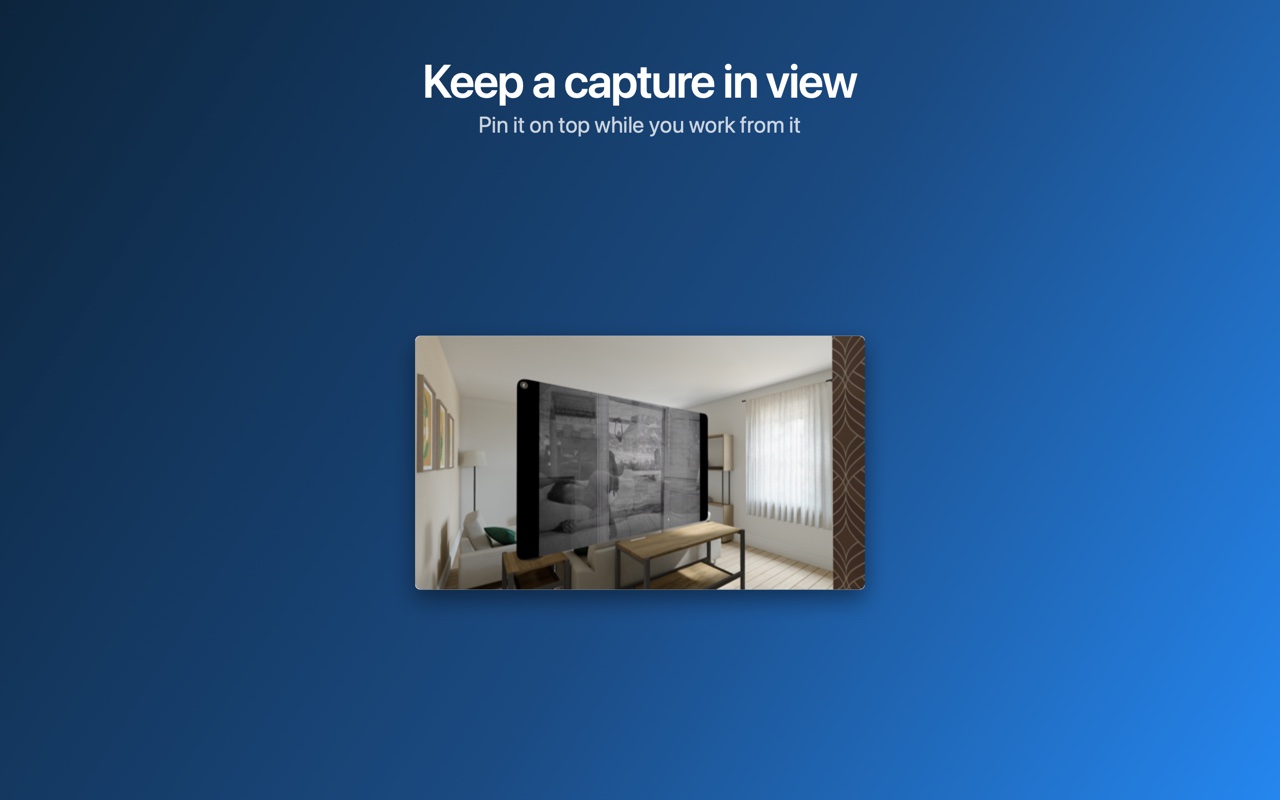
A color picker with HEX, RGB, HSL and OKLCH plus WCAG and APCA contrast checks, a screen ruler, and pinned screenshots that float above everything.
Made for the Mac.
Customizable shortcuts, Shortcuts app actions, Retina and multiple displays, PNG, JPEG or HEIC, and a history of everything you've captured.
Free. Requires macOS 15 or later.
Support · Privacy Policy · Made by Norstride Inc.